
Use custom for gifts, fit, or design-specific requests
If you already know the exact piece you want, the regular storefront is faster. Use custom when the brief, fit, or materials choices genuinely change the outcome.
Compare support optionsThe custom experience works best when shoppers know whether they should start with a preset base, launch the customizer, or contact concierge first. This page turns custom into a guided buying path instead of a vague invitation.

If you already know the exact piece you want, the regular storefront is faster. Use custom when the brief, fit, or materials choices genuinely change the outcome.
Compare support optionsThese image slots keep the custom journey concrete while the 3D builder stays focused on active configuration.




Use self-serve customization if you are comfortable beginning from a preset-ready base and mainly need to compare materials, finishes, and silhouette direction.
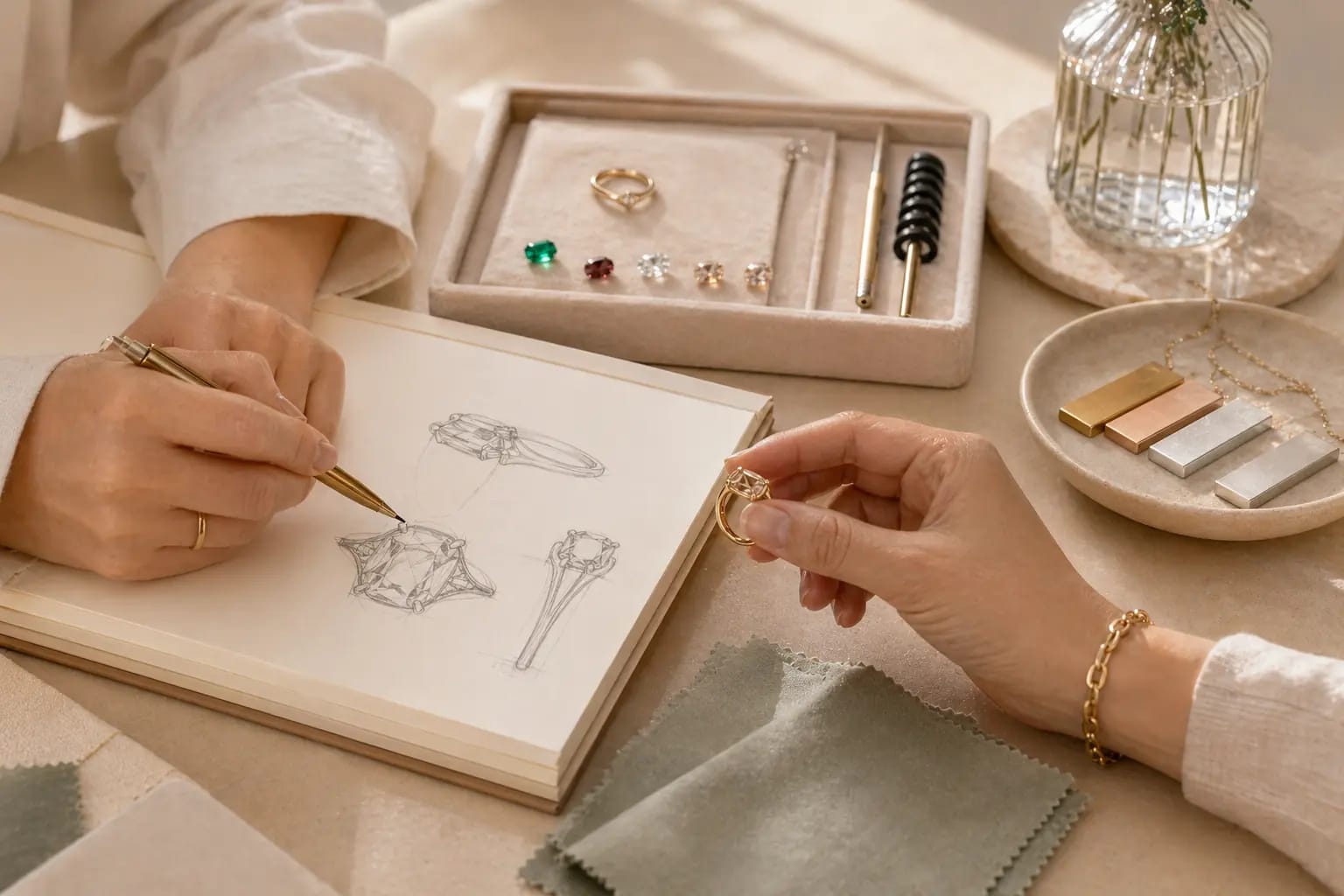
Start with concierge if sizing is unusual, the timeline is important, the piece is a gift, or the request may need feasibility review before you build.
Custom should not feel like a black box. The page should communicate that pricing depends on the base, material, and complexity, and that concierge can scope edge cases.
Use planning language such as review, confirmation, production, and delivery windows unless there is an approved public promise for exact turnaround times.
Explain that the process is designed for material and silhouette refinement, while more complex requests may require concierge review before the design is finalized.
Start with base style, material direction, and the overall look you want to save or share. Concierge can then help confirm fit, feasibility, and next steps.
Do that for deadline-sensitive gifting, unusual sizing, or any request where a small change could affect feasibility, timing, or cost.
No. Support handles sizing, care, and policy questions. Custom explains how to build or brief a piece. The two pages should work together.
Enter the studio with context
Use the customizer to experiment visually, then bring concierge in when the decision involves fit, timing, gifting, or production complexity.

Layering trios
A strong starting point for necklace styling. Best when you want to adjust metal direction and stack balance without inventing the silhouette from zero.

Stacking rings
Useful for gifting, color-led ideas, or daily stacks where proportion and size planning matter as much as finish.
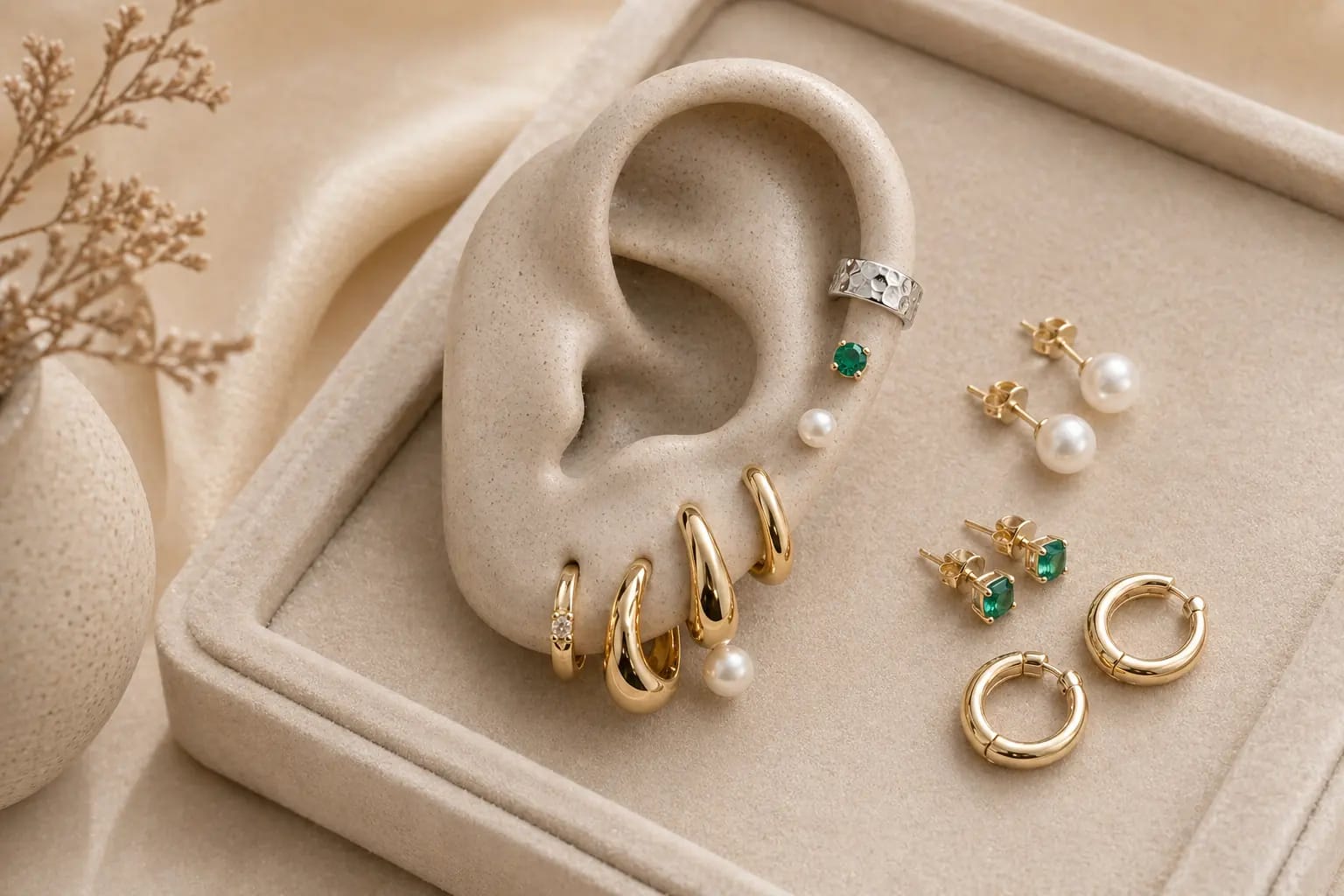
Earscapes
Ideal for shoppers who want to compare a full set concept before committing, especially when multiple piercings need to feel balanced together.
Choose a starting point
Pick a preset base or open the customizer with a clear silhouette in mind so the first decisions are productive instead of open-ended.
Refine the visual direction
Use the customizer to compare materials, save a look, and narrow the brief before asking for confirmation on timing, fit, or feasibility.
Confirm with concierge when needed
Escalate to concierge for questions that affect risk: unusual sizing, gifting dates, special requests, or a design that may need production review.
Preview before you decide
The preview experience should help shoppers understand what they are changing, what they have saved, and what still needs human review before a final commitment.
Compare the current look before contacting concierge.
Use saved looks as reference points for feedback and revision.
Share a stable direction instead of describing the design from scratch.


Concierge is part of the custom funnel
Use concierge to scope the right custom path, confirm whether a request belongs in self-serve or in assisted design, and reduce uncertainty before production decisions are made.